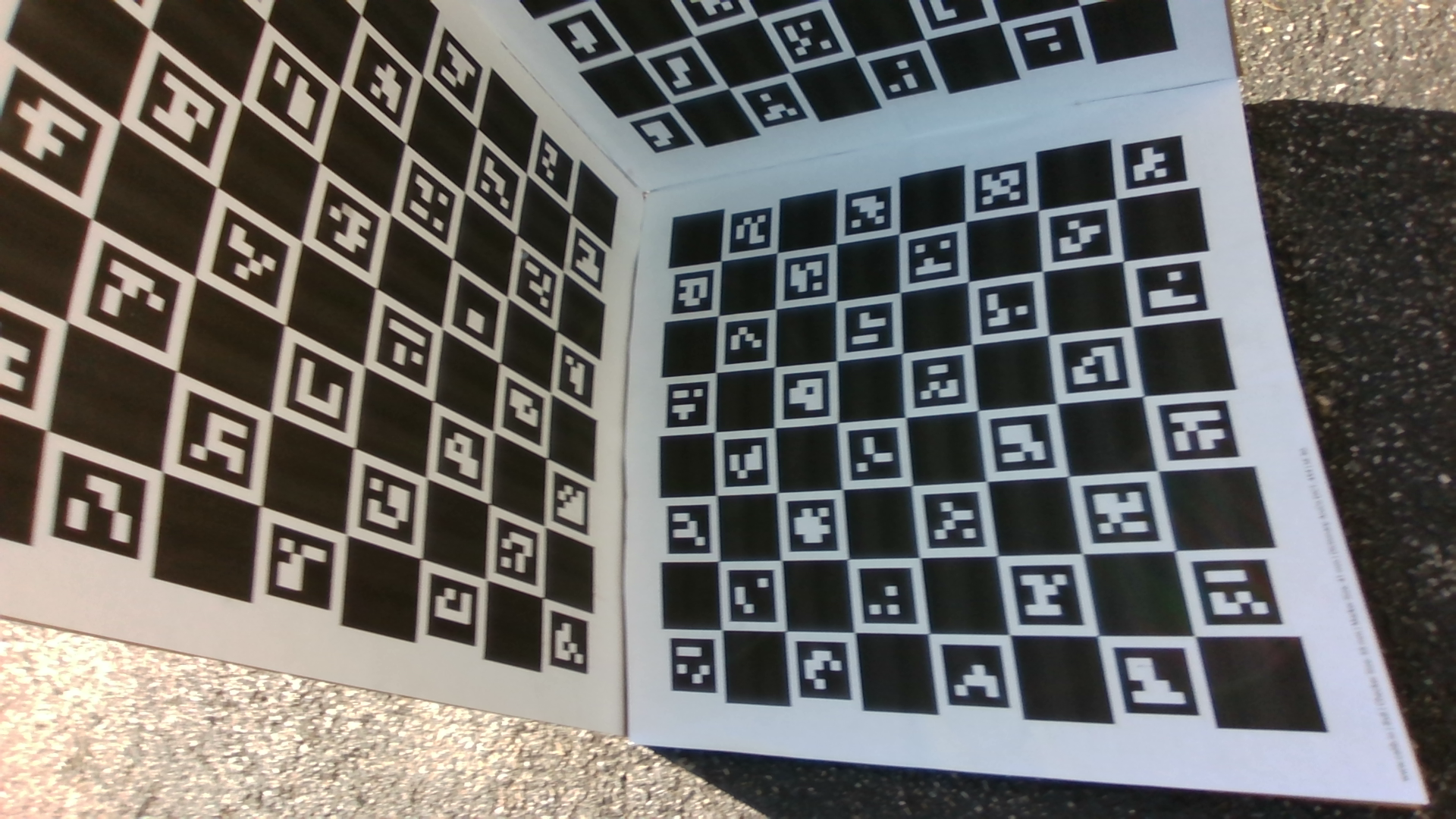
Single Camera Calibration
Calibrate intrinsics for a single camera
View Guide →
MetriCal's calibration is a joint process, which includes calibrating intrinsics and extrinsics at the same time. This overview provides general guidelines for calibration before diving into the specific calibration guides.
We've put together a series of introductory videos that cover the basics of calibration, including what it is, why it matters, and how to take good data for calibration purposes. Check out the full playlist here.
For detailed instructions on each calibration type, refer to the specific guides linked above.
MetriCal supports various calibration targets. Choose a target appropriate for your sensor setup and ensure its measurements are precise and specified in meters.
You'll find common calibration target combinations in our target construction guide. We recommend starting here if you just want to jump into MetriCal, since these configurations are similar to what is used in our calibration guides. We also outline how to print and build your own targets via services like UPrinting. However, if you're strapped for time, you can also purchase calibration targets directly from our online store.
If you are a company or facility that needs a more sophisticated target setup for automation or production line purposes, contact us at info@tangramvision.com.
MetriCal takes a number of different input data types, but there are some special considerations that every user should know of. Reference the Valid Data Formats documentation for more details.