Rolling Shutter Calibration Guide
Rolling shutter is the bane of calibration. It compounds every data collection issue that can occur during camera calibration. MetriCal can negate many of the effects of rolling shutter, but first it needs to know that a camera is rolling shutter. This guide will show you how to make that distinction.
We realize the UI for this feature is a little clunky right now, but it gets the job done. We ask that you consider it a work in progress.
Example Dataset: Camera ↔ IMU
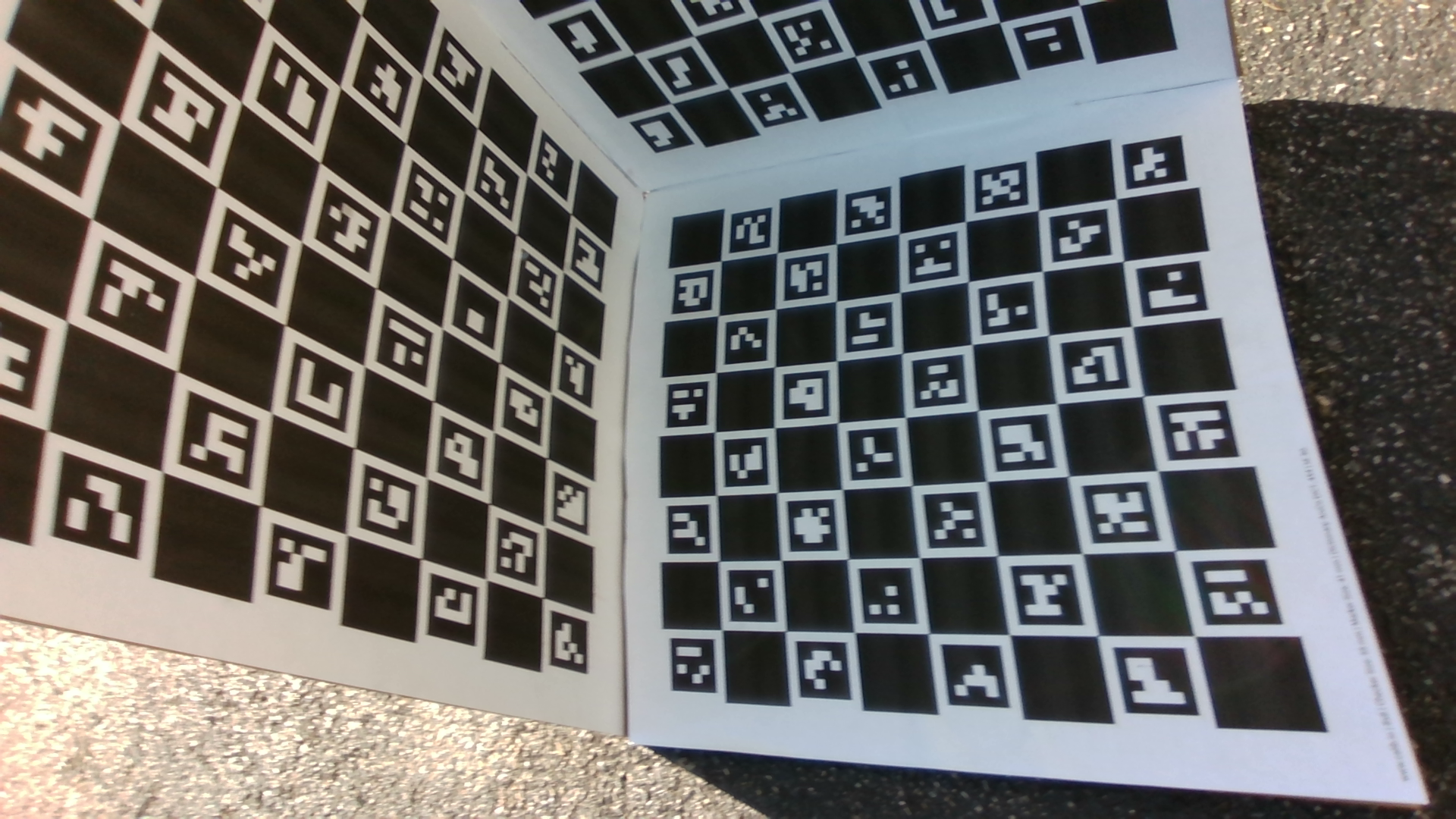
We're going to use our Camera ↔ IMU guide's dataset as a proof-of-concept. In that guide, we only specify calibration of the IMU and both IR cameras, which are global shutter. However, there's a third, color camera on that rig which presents rolling shutter artifacts. Look at that wobble!
Get the dataset here:
Download: Camera-IMU Example DatasetMarking Rolling Shutter Cameras
Rolling shutter cameras are currently designated in a pixel_readout field of a camera component.
There are two valid settings for that field: "Global" (designating a global shutter camera) and
"Rolling" (designating rolling shutter).
This means that a reference plex must be provided to the init
step of the calibration in order to seed this value correctly. Otherwise, the init step will
default all cameras to "Global" and rolling shutter effects won't be compensated for.
{
    "components": [
        {
            "camera": {
                "uuid": "340a8fa2-8d92-4122-b259-78a922a601d1",
                "name": "/rs/color/image_raw",
                ...
                "pixel_readout": "Rolling"
            }
        }
    ],
    // ...and then all the rest
}
We then feed this into our manifest via the init command:
...

[stages.init]
command = "init"
dataset = "{{variables.dir}}/camera_imu_box.mcap"
reference-source = ["{{variables.dir}}/camera_imu_box_rolling_shutter_plex.json"]
topic-to-model = [
    ["/rs/color/image_raw", "opencv-radtan"], // <-- our new addition
    ["*infra*", "opencv-radtan"],
    ["*imu*", "scale-shear"]
]
overwrite-strategy = "replace"
initialized-plex = "{{auto}}"

...
Run everything else as normal! Nice, you did it.
This is one of the last cases we recommend init as a command. Like we said: work in progress.
What Gets Solved
Note that MetriCal won't actually profile your rolling shutter effects in any way; it will only work to negate their effects from the rest of the calibration. This negation adds a noticeable time to any calibration, so be aware of that when setting this up. However, you will get markedly better results in both intrinsics and extrinsics.
Troubleshooting
If you encounter errors during calibration, please refer to our Errors and Troubleshooting documentation.
Remember that all measurements for your targets should be in meters, and you should ensure visibility of as much of the target as possible when collecting data.